Mirror Link Car Display
MirrorLink Car Display: Your Phone on Your Car's Dashboard
MirrorLink Car Display: Your Phone on Your Car's Dashboard
Have you ever wished you could magically mirror your phone’s screen onto your car’s display? Well, folks, wish no more! The MirrorLink Car Display app is here to turn that dream into a reality. Buckle up as we dive into the world of seamless connectivity and discover how this app can transform your driving experience.
Your Car's New Co-Pilot
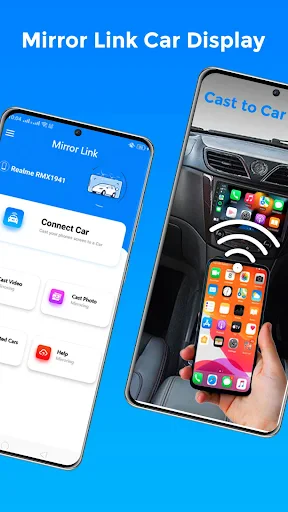
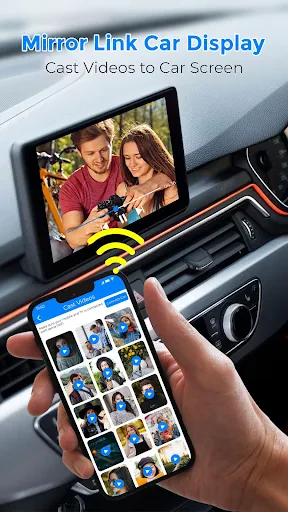
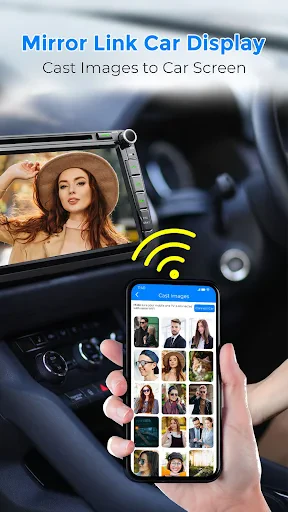
MirrorLink is like having a tech-savvy co-pilot without the extra seat. It lets you link your smartphone to your car's entertainment system, giving you access to a bunch of apps right on your car's screen. Picture having your maps, music, and texts all available with a tap on your steering wheel. It's like your phone and your car have become the best of friends!
Getting Started is a Breeze
Getting MirrorLink ready is as simple as can be. You just need a phone that works with it and a car that supports MirrorLink. Plug it in, and boom, your phone's screen shows up on your car's display. The layout is super user-friendly, so you won't be messing with complicated settings while you're driving. Honestly, if I managed it, so can you!
A Smarter Dashboard for Your Drive
After you're connected, a whole universe of apps is ready for you—controlled right from your steering wheel. Whether you're driving in a busy city or on a long country road, apps like Google Maps or Waze will be your guides. You can say goodbye to wrong turns and keep your focus on the road ahead.
And it's not just for directions. Think about changing your music playlists without ever touching your phone. Spotify, Apple Music, or whatever you listen to is just a simple command away. If your car has a great sound system, you're in for a real treat—it’s like a private concert.
Keep in Touch Without the Risk
You might be wondering, "But isn't using apps while driving unsafe?" MirrorLink has thought of that. The app is built to cut down on distractions, with voice commands and steering wheel buttons. You can answer calls, hear messages, or even speak a quick memo without ever letting go of the wheel. Safety should always come first.
What to Know Before You Go
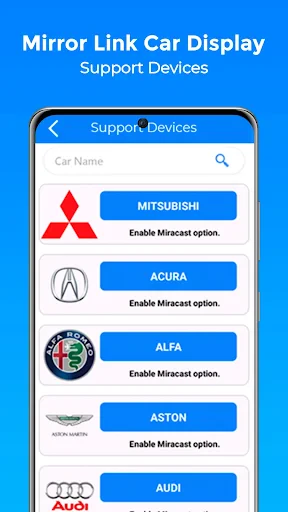
MirrorLink is awesome, but it does have a few things to keep in mind. Not every app works with it, and it's mainly for Android phones. iPhone users might feel a little left out unless they're open to changing phones. Also, not every car can use MirrorLink, so it's a good idea to double-check if your car is compatible before you get too excited.
The Final Take
To wrap it up, the MirrorLink Car Display is a real innovation for anyone who wants to stay connected while driving. It makes life easier by putting your favorite apps right on your car's screen. Even though there are some limits on which apps and phones work, the advantages for Android users with the right car are huge.
So, if you're looking to combine your phone with your car's system for a more seamless, secure, and connected ride, try MirrorLink. It could easily become your go-to partner for every journey.

- Developer
- Facelover
- Version
- 1.0.2
- Installs
- 10,000+
- Android Version
- 8.0
- Content Rating
- Everyone
- Price
- Free
- Seamless phone mirroring
- User-friendly interface
- Supports multiple apps
- Voice control integration
- Enhances driving experience
- Limited compatibility
- May drain phone battery
- Requires stable internet
- Subscription fees
- Potential data privacy issues