

Signia App
My Journey with the Signia App
My Journey with the Signia App
Hey there, fellow tech enthusiasts! Today, I'm diving into the world of hearing aids with a nifty little app called Signia. If you or someone you care about uses hearing aids, you might want to stick around for this one. I’ve been tinkering with this app for a bit, and trust me, it’s worth your time.
Getting Started is a Snap
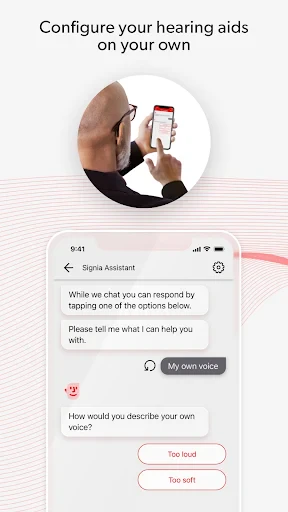
Alright, let’s get into it. Setting up the Signia app was a breeze. Available for both Android and iOS, you can grab it from the Google Play Store or the Apple App Store. Once downloaded, the app walks you through pairing your hearing aids via Bluetooth. The instructions were clear and straightforward, even if you’re not the most tech-savvy individual. I was up and running in no time.
Handy Tools You'll Actually Use
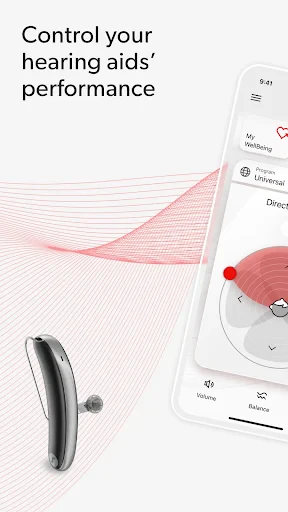
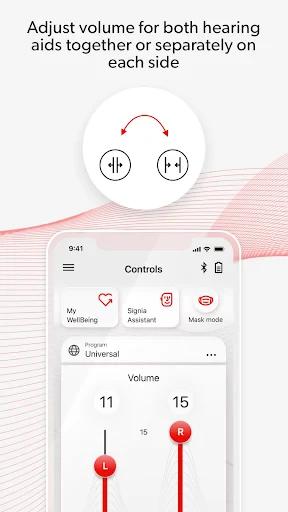
Now, let’s talk about what makes this app special. The Signia app is all about giving users control over their hearing experience. One of the features I found super useful is the ability to adjust the volume and sound balance on the fly. Whether you’re in a bustling cafe or a serene park, you can tailor the sound to your liking.
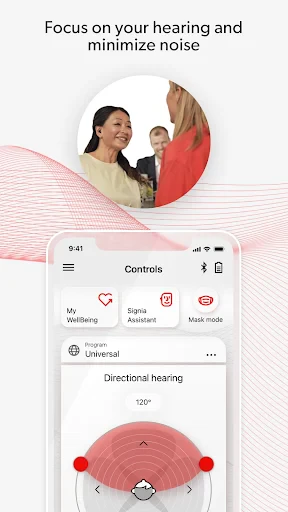
Another cool feature is the Sound Balance. It lets you tweak the high and low frequencies to suit your environment. This is a game-changer, especially if you find yourself frequently switching between different settings. Plus, there’s a nifty little function called the Mask Mode which cuts down on background noise. Perfect for when you’re trying to focus in a noisy environment.
Making Your Hearing Aids Truly Yours
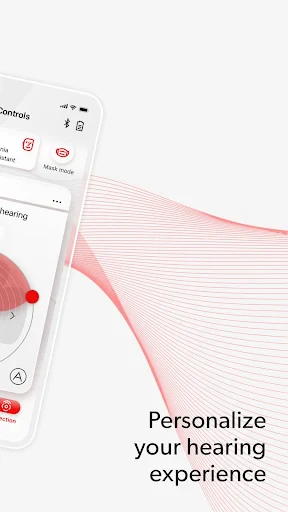
What I really appreciate about the Signia app is its dedication to personalization. You can create different profiles for various settings, like work, home, or outdoor activities. Switching between these profiles is seamless, and it makes a noticeable difference in how you experience sound.
The app also offers a Hearing Test feature. It’s simple yet effective, providing insights into your current hearing status and helping you adjust your aids accordingly. It’s like having a mini audiologist in your pocket!
Playing Nice with Your Other Gadgets
Let’s not forget about connectivity. The Signia app integrates well with a range of devices. Whether you’re using a smartphone, tablet, or even a smartwatch, the app syncs effortlessly. I tested it with my Android phone and an iPad, and it was smooth sailing all the way.
Wrapping It All Up
In wrapping up my experience with the Signia app, I have to say, it’s a solid companion for anyone using Signia hearing aids. The level of control and personalization it offers is impressive, and its user-friendly design makes it accessible to just about anyone.
If you’re looking for an app that enhances your hearing experience and gives you the confidence to tackle different environments, the Signia app is definitely worth checking out. So, go ahead, give it a whirl, and let me know what you think
- Developer
- Sivantos Pte. Ltd.
- Version
- 2.6.80.15239
- Installs
- 1,000,000+
- Android Version
- 10
- Content Rating
- Everyone
- Price
- Free
- User-friendly interface for easy navigation.
- Wide range of personalized hearing settings.
- Seamless connectivity with hearing aids.
- Regular updates improve functionality.
- Supports remote assistance from audiologists.
- Limited compatibility with older devices.
- Occasional connectivity issues.
- Some features require premium subscription.
- Battery drain when used continuously.
- Complex setup for first-time users.


