Clap to Find My Phone
Clap to Find My Phone: Your New Best Friend for Finding Your Lost Phone
Clap to Find My Phone: Your New Best Friend for Finding Your Lost Phone
Ever been in that panic mode, trying to find your phone that's on silent and hiding somewhere in the depths of your couch? Well, let me introduce you to an app that's about to be your new best friend: Clap to Find My Phone. It's one of those applications that make you wonder how you ever lived without it.
The Magic Behind the App
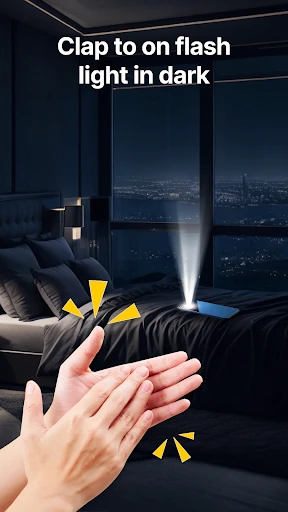
So, here's the deal. You download Clap to Find My Phone, set it up with just a few taps, and the next time you can't find your phone, simply clap your hands. Like magic, your phone will start ringing, even if it's on silent mode. The app uses your device’s microphone to detect the sound of a clap, and it’s surprisingly accurate. I tried clapping from different rooms, and it worked like a charm. The app even allows you to customize the sensitivity of the microphone to ensure it picks up your claps perfectly.
Making the App Your Own
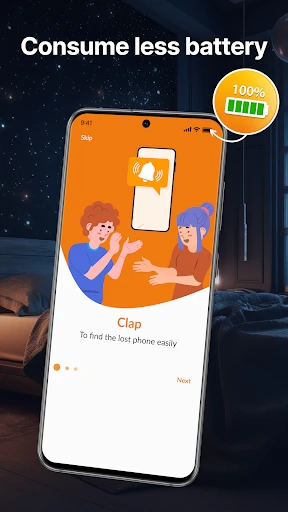
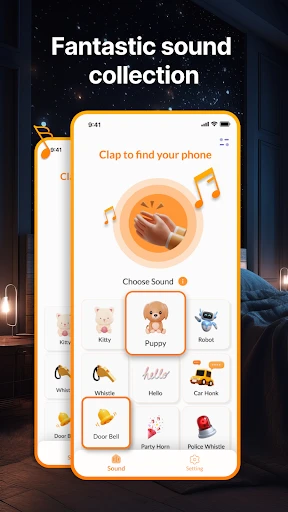
Not only does this app save you time searching for your phone, but it also offers some neat customization features. You can set different alert sounds, so you know it’s the app ringing and not just a random notification. Plus, it has a flashlight alert, which is super handy in the dark. I also appreciate the battery consumption feature; it’s designed to use minimal power, so it won’t drain your battery life when running in the background.
Getting Started is a Breeze
Downloading and installing the app is a breeze. Available on both Android and iOS, it takes up minimal space and runs smoothly without any hiccups. The user interface is intuitive and straightforward, making it accessible even for those who aren’t tech-savvy. Just a couple of taps, and you’re all set.
One thing that really stood out to me is the app's reliability. I’ve used similar apps in the past, and they were hit-or-miss, but this one is consistently accurate. Whether your phone is under a pile of clothes or buried in the depths of your backpack, Clap to Find My Phone has your back. Trust me, it’s a real game-changer.
Moreover, the app includes a handy tutorial for first-time users, ensuring you get the most out of its features. It’s also available in multiple languages, which is a nice touch for non-English speakers. And if you’re worried about privacy, the app doesn’t store your audio data, which is a big plus for me.
Why You Need This App
If you're like me and constantly misplacing your phone, Clap to Find My Phone is a must-have. It’s simple, efficient, and reliable. Plus, it’s one of those rare apps that delivers exactly what it promises without any unnecessary fluff. So, go ahead, give it a try, and never panic about losing your phone again. You’ll thank me later


- Developer
- Now Tech
- Version
- 1.7.0
- Installs
- 500,000+
- Android Version
- 7.0
- Content Rating
- Everyone
- Price
- Free
- Easy to set up and use.
- Works without internet connection.
- Battery efficient feature.
- Supports multiple clap patterns.
- No additional hardware required.
- May not work in noisy environments.
- Some devices may have sensitivity issues.
- Background running may drain battery.
- Limited to clapping detection only.
- Not customizable beyond clap patterns.