Photo Recovery, File Recovery
Rediscover Lost Memories with Photo Recovery
Rediscover Lost Memories with Photo Recovery
Getting the App Up and Running
First things first, let's talk about the ease of use. Installing the Photo Recovery app is a breeze. Just head over to your favorite app store, hit download, and you're ready to go. The interface is super intuitive - even for someone who's not exactly tech-savvy. Once you launch the app, it guides you through the process with straightforward instructions. It's comforting to know that you don’t need a degree in rocket science to recover your photos!
The Magic Behind the Scans
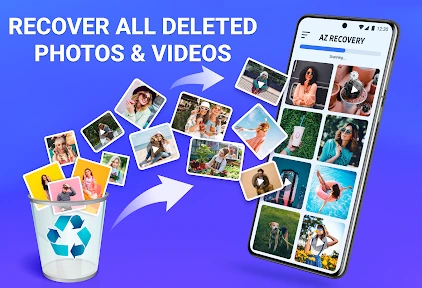
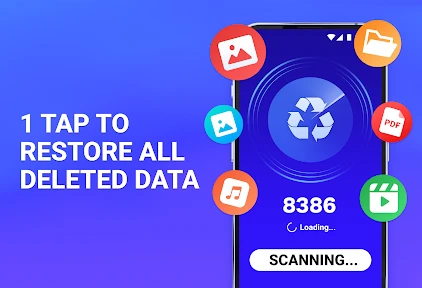
So, how does it actually work? Well, the Photo Recovery app scans your phone for any deleted photos and files. It's like a little detective searching through every nook and cranny of your device. You can choose a quick scan for a speedy recovery or a deep scan if you want to be thorough. The results are impressive, and it even previews the photos before you recover them, so you get to choose exactly what you want to restore.
Speed and How Well It Works
Now, let's talk about performance. One of the things I love about this app is how fast it works. The quick scan is, as the name suggests, quick! In just a few minutes, it displays a list of recoverable items. And the deep scan, although it takes a bit more time, is incredibly thorough. It's reassuring to see the app digging deep into your storage to ensure no photo is left behind.
Reliability-wise, the app does a stellar job. I've tested it multiple times, and it consistently managed to recover a significant number of my deleted photos. Of course, no app can guarantee 100% recovery, but this one comes pretty close. Plus, it supports a wide range of file formats, so you're covered whether it's JPEG, PNG, or even RAW files.
More Than Just Photo Rescue
Beyond photo recovery, the app also offers file recovery options. If you've accidentally deleted an important document or a beloved video, this app's got your back. The file recovery feature works similarly to photo recovery, ensuring your valuable data is retrieved with the same efficiency.
Another cool feature is the ability to backup your recovered files directly to the cloud. This means you won't have to worry about losing them again. It's like having a safety net for your digital memories.
Wrapping It All Up
In a world where our smartphones hold countless memories, having an app like Photo Recovery is a must. It's user-friendly, efficient, and reliable. Whether you're trying to retrieve lost photos from a recent vacation or recover important files for work, this app has got you covered. So, next time you accidentally hit that delete button, remember there's hope. Give Photo Recovery a try and rediscover your lost memories!
And hey, if you do decide to give it a shot, let me know how it goes. I'm always curious to hear about your experiences!


- Developer
- Easy To Use (OnMobi)
- Version
- 6.8
- Installs
- 10,000,000+
- Android Version
- 7.0
- Content Rating
- Everyone
- Price
- Free
- Recovers deleted photos efficiently.
- Supports multiple file formats.
- Easy to use interface.
- Fast scanning process.
- Compatible with cloud backups.
- Limited free version features.
- Some files might not be recoverable.
- Ads in the free version.
- Requires device root for full access.
- Occasional app crashes.