Amazon Fire TV
Setting the Stage with Amazon Fire TV
Setting the Stage with Amazon Fire TV
Alright everyone, let's jump into the streaming world with a device that's really shaken things up – the Amazon Fire TV. For people like me, having a huge selection of entertainment available instantly isn't just a nice-to-have, it's essential. The Amazon Fire TV aims to deliver exactly that, offering a smooth interface, tons of apps, and the power to upgrade any regular TV to a smart one. But does it live up to the hype? Let me share my personal journey with it.
The Setup: A Breeze or a Hiccup?
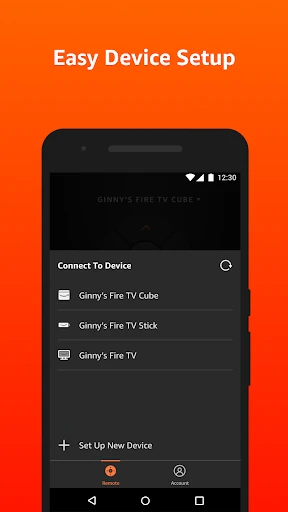
First up is getting everything connected. I'm not a technical expert by any means, but I found setting up the Amazon Fire TV to be incredibly simple. You just plug it in, connect to your Wi-Fi, log into your Amazon account, and that's it, you're all set. The directions on the screen are super clear, walking you through every part of the process without any trouble. I went from unboxing to watching my first show in less than ten minutes – you can't argue with that!
Interface and Usability: Smooth Sailing
After the device was ready, the next thing I noticed was the interface. It's user-friendly, with a clean look and straightforward menus. The main screen shows your go-to apps and what you were last watching, which makes it really easy to dive back in. I was smoothly browsing through different services and discovering new things to watch without any delays – a huge advantage for someone with as little patience as me!
Content Galore: What’s on the Menu?
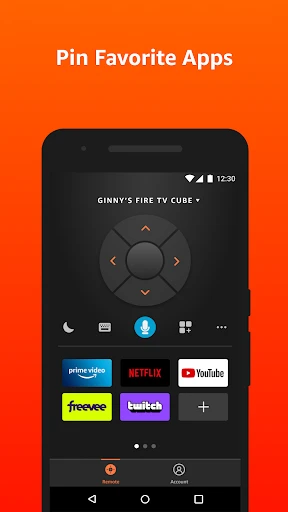
Now, let's talk about the most important part: what you can actually watch. Amazon Fire TV provides access to a massive selection of streaming platforms. Whether you use Netflix, Hulu, Disney+, or Amazon Prime Video, the choices seem limitless. You can install all sorts of apps to tailor your entertainment. I really like that I can watch new film releases, marathon a TV series, or stream live sports events. It feels like having a movie theater, a video store, and a broadcast station all combined into one little gadget!
Performance: Does It Hold Up?
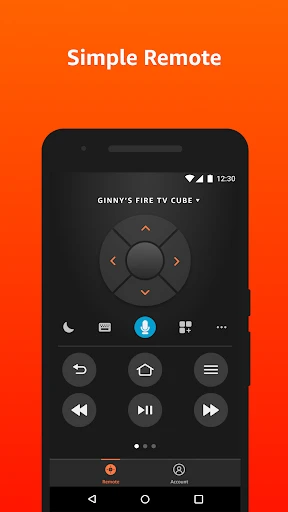
When it comes to how well it works, the Amazon Fire TV definitely meets expectations. The video quality is excellent, and it supports 4K Ultra HD if your TV can handle it. The device plays high-definition content perfectly – I didn't experience any annoying buffering or fuzzy pictures. The voice control feature, which uses Alexa, is another cool addition that makes everything more convenient. Just tell Alexa what you want to see, and she'll find it for you in a flash.
Final Thoughts: Is It Worth It?
So, what's the final word on the Amazon Fire TV? From my perspective, it's a great buy for anyone wanting to improve their home entertainment. Its simplicity, huge content library, and dependable performance make it an essential gadget for people who love to stream. No matter if you're into films, follow sports closely, or just enjoy a good series marathon, the Amazon Fire TV caters to all tastes. If you're considering buying one, I'd recommend giving it a try – I think you'll be pleasantly surprised
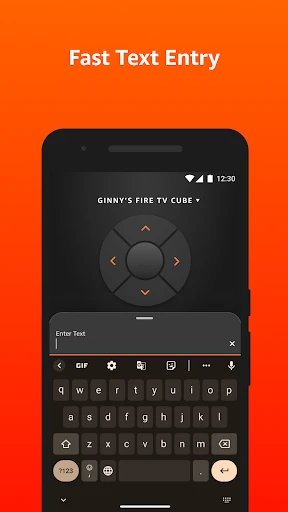
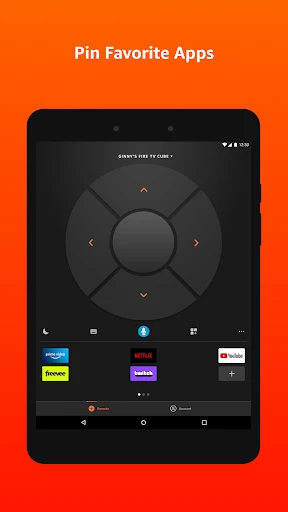
- Developer
- Amazon Mobile LLC
- Version
- 3.3.0
- Installs
- 10,000,000+
- Android Version
- 7.0
- Content Rating
- Everyone
- Price
- Free
- Easy integration with Alexa voice control.
- Wide range of streaming services available.
- Affordable compared to other streaming devices.
- User-friendly interface with simple navigation.
- Compact design fits easily in any setup.
- Limited app availability compared to competitors.
- Occasional lag in app performance.
- No support for 4K streaming on older models.
- Ads on the home screen can be intrusive.
- Remote control lacks backlighting for dark rooms.