Screen Mirroring TV & Miracast
Bring Your Small Screen to the Big Screen with Screen Mirroring TV & Miracast
Bring Your Small Screen to the Big Screen with Screen Mirroring TV & Miracast
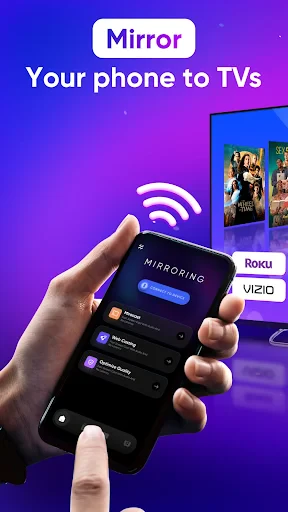
Have you ever found yourself squinting at your phone screen while trying to share a funny video or a photo album with friends? Enter Screen Mirroring TV & Miracast, an app that promises to bring your mobile content to the big screen with ease. I decided to take it for a spin and see if it really makes sharing media as seamless as it claims.
Setting Up the App on Your Devices
So, setting up the app is pretty straightforward. First things first, make sure your TV supports Miracast or has a compatible streaming device. You'll also need your phone and TV on the same Wi-Fi network. Once that's sorted, downloading and installing the app was a breeze. The interface is simple, almost bare-bones, which is great because it keeps things from getting too complicated. Just a couple of taps and I was ready to mirror my screen.
What It's Like to Mirror Your Screen
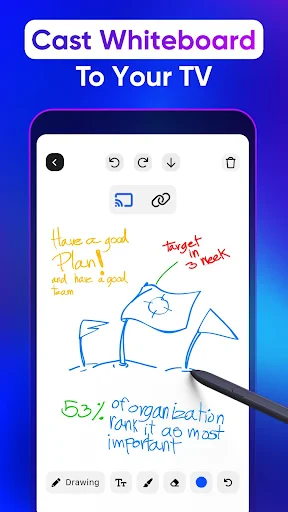
When it comes to actually mirroring your screen, the app does a decent job. I was able to cast my phone display onto my TV without any noticeable lag. Whether I was streaming a video or showing off some vacation photos, the transition was smooth. However, there were a few hiccups with certain apps not displaying correctly, but nothing too major that a quick app restart couldn't fix.
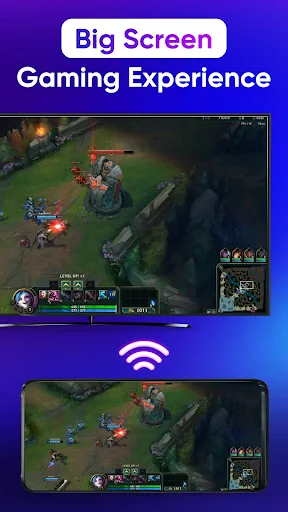
One thing I loved was how responsive the mirroring was. It felt like I was navigating my phone directly on the TV screen, which is perfect for presentations or gaming. Speaking of gaming, while casual games worked fine, there was a slight delay with more graphics-intensive ones—I guess that's something to keep in mind if you're planning a gaming marathon.
How Well It Works With Different Gadgets
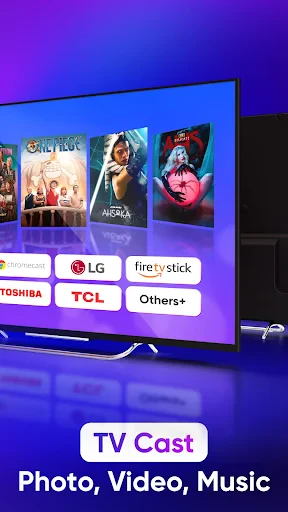
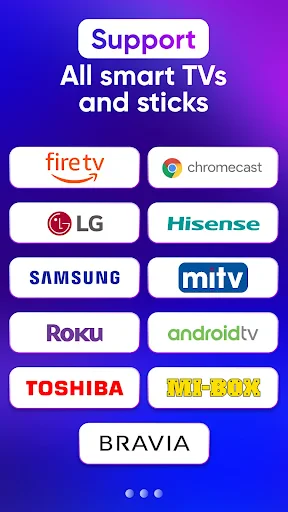
Screen Mirroring TV & Miracast claims to work with a variety of devices, and from my testing, it seems to hold up. I tried it with both an Android phone and a tablet, and it worked seamlessly on both. The app does seem to favor newer devices, though, as my older tablet struggled a bit with the connection.
Performance-wise, as long as you have a stable Wi-Fi connection, you should be golden. The app doesn't seem to consume too much battery, which is a plus if you're planning on using it for extended periods. Just make sure your phone's not on low power mode, as that can interfere with the connection.
Wrapping Up My Experience
In the end, Screen Mirroring TV & Miracast does what it sets out to do—bring your small screen to the big screen, and it does it pretty well. It's not perfect, but for casual use, it’s more than adequate. If you're looking for an easy way to share your media with friends and family without huddling around a tiny screen, this app is definitely worth a try. Just keep your expectations in check if you're planning on using it for high-stakes gaming or professional presentations where every second counts.
Overall, if simplicity and ease of use are what you’re after, give Screen Mirroring TV & Miracast a shot. It might just become your go-to app for those impromptu movie nights or slideshow sessions
- Developer
- TV Cast
- Version
- 2.0.22
- Installs
- 5,000,000+
- Android Version
- 7.0
- Content Rating
- Everyone
- Price
- Free
- Easy to use interface
- Supports multiple devices
- High-quality streaming
- No additional hardware needed
- Fast connection setup
- Ads in free version
- Requires stable Wi-Fi
- Limited to certain apps
- May lag on older devices
- Subscription for premium features