Universal TV Cast & Remote
My Take on the Universal TV Cast & Remote App
My Take on the Universal TV Cast & Remote App
If you’re anything like me, then you know the struggle of dealing with multiple remotes scattered around the living room. It’s a techie nightmare! Fortunately, I stumbled upon an app called Universal TV Cast & Remote, and let me tell you, it’s a game-changer. This app promises to turn your smartphone into a universal remote, and I couldn’t resist giving it a whirl. Here’s my take on it.
Getting the App Ready
First things first, downloading and installing the Universal TV Cast & Remote app was a breeze. Available on both Android and iOS platforms, I had it up and running in no time. The app is lightweight, so it doesn’t hog much space on your phone, which is a plus if you're like me and hoard photos and music. Once the app was installed, it guided me through a simple setup process to connect it to my TV. No tech guru skills required here!
What Makes It Special
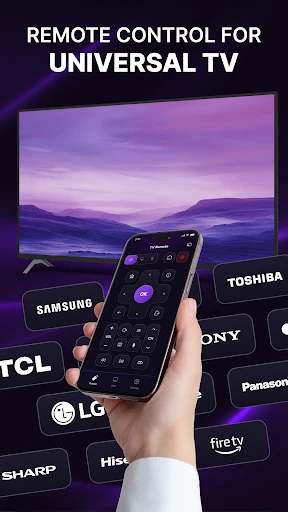
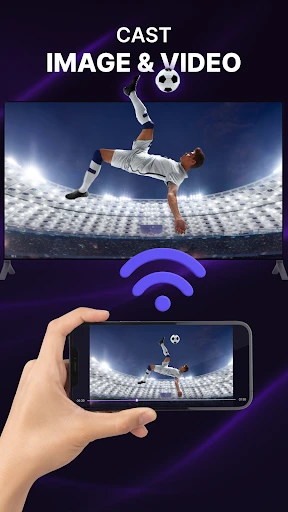
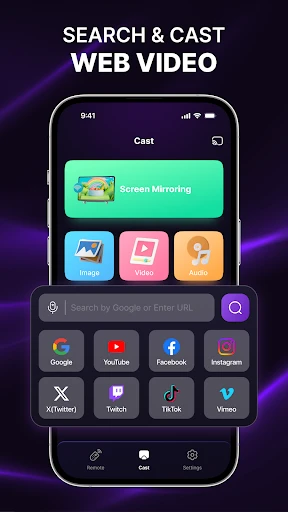
One of the things that caught my attention right away was the app’s ability to cast media from my phone to the TV. Whether it’s photos, music, or videos, everything streams smoothly. Plus, there's no need for additional hardware, which is a huge win. The app supports a wide range of TV brands, so whether you’re team Samsung, LG, or Sony, you’re covered.
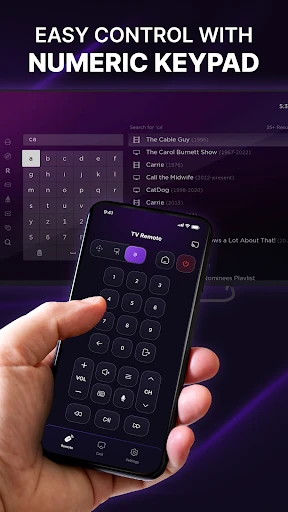
The remote control feature is also quite impressive. It mimics your TV’s remote perfectly, with all the functions you’d expect - volume control, channel switching, and even access to smart TV apps. I found myself using my phone more than the actual remote, just because it’s so convenient.
“Why dig through the couch cushions for a remote when you’ve got one in your pocket?”
How It Feels to Use
Using the Universal TV Cast & Remote app feels intuitive. The interface is clean and simple, which I appreciate. There’s nothing worse than an app cluttered with buttons and options you’ll never use. Navigation is straightforward, and I didn’t encounter any frustrating ads popping up during use. The app maintains a smooth performance without lag, which is a testament to its design quality.
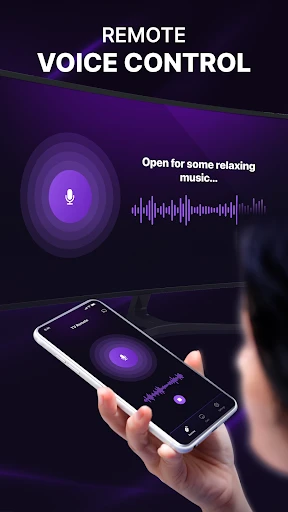
Another cool feature is the voice command option. Yep, you heard me right! Just tap the mic icon, and you can control your TV with your voice. It’s perfect for those times when you’re too comfy on the couch to lift a finger.
Wrapping It Up
All in all, the Universal TV Cast & Remote app does exactly what it promises and more. It streamlines the way I interact with my TV, making it a must-have tool in my digital arsenal. If you’re tired of juggling multiple remotes or simply want an easier way to cast media, this app is worth checking out. Just download, set up, and you’re good to go. It’s like having a universal remote in your pocket all the time!
- Developer
- atiler banlaner
- Version
- 1.3.2
- Installs
- 5,000,000+
- Android Version
- 6.0
- Content Rating
- Everyone
- Price
- Free
- Easy to navigate interface.
- Supports multiple streaming platforms.
- Quick device connectivity.
- High-quality streaming without buffering.
- Customizable remote control options.
- Occasional connection drops.
- Ads can be intrusive.
- Limited compatibility with older devices.
- Free version lacks premium features.
- Setup can be confusing for beginners.