Good Lock
Unleashing the Power of Good Lock
Unleashing the Power of Good Lock
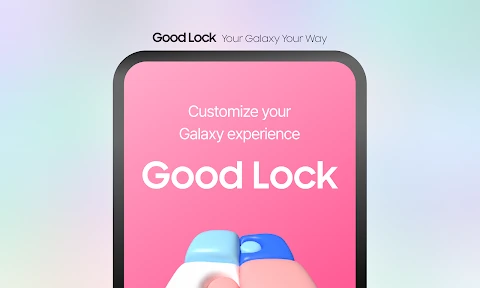
Imagine being able to change every little detail on your phone, from the lock screen to how your notifications pop up. That's the magic of Good Lock! If you've got a Samsung phone, you're going to want to hear about this—it totally changes the game.
A World of Customization Awaits
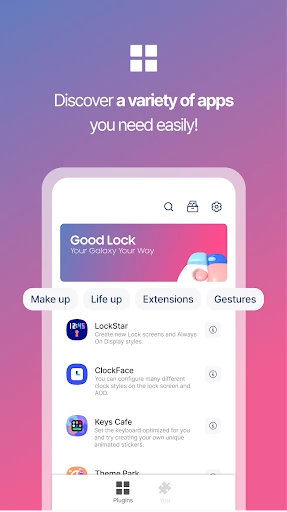
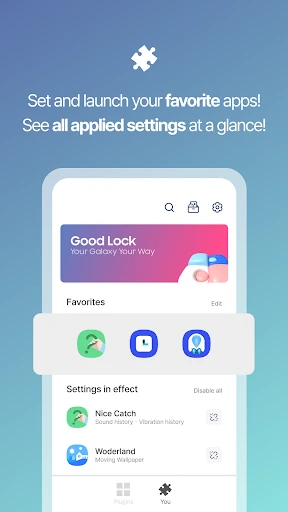
First off, Good Lock isn't a normal app you find on the Play Store. It's actually a collection of mini-apps and tools that Samsung provides, and you can get it from the Galaxy Store. Once you install it, a whole new world of personalization opens up right at your fingertips!
Explore a Universe of Modules
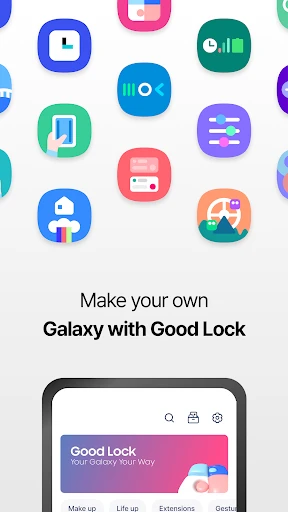
The main app acts like a hub for a bunch of different modules, and each one does something special. For example, there's LockStar, which lets you completely rearrange your lock screen with custom layouts and widgets. You can give your lock screen a total redesign—it's like a phone makeover!
Then you have QuickStar, which is all about the notification panel. Ever felt like those quick settings buttons were too plain or messy? With QuickStar, you can shuffle them around, add or remove ones you don't need, and even play around with their colors. It’s all about making your phone feel like it’s truly yours.
Refresh Your Phone's Look and Feel
Another popular one is Task Changer. If you think the standard app switcher is a bit dull, this module lets you spice it up with fun animations and different layouts. It's these small touches that make using your phone a more enjoyable experience.
And we can't leave out NavStar. This tool lets you personalize your navigation bar. Want to add another button or switch up how the icons look? NavStar makes it possible. It’s like having a secret command center right at the bottom of your screen.
These are just a few of the modules available, but each one adds a layer of personalization that can make your Samsung phone feel completely new.
Smooth Performance and Easy Use
You might be wondering, "Will all this tweaking make my phone slow?" The answer is no! The app is built to work perfectly with Samsung's One UI, so it doesn’t slow your system down. Everything runs smoothly, and it's pretty straightforward to use. Even if you're not a tech expert, the layout is simple enough to figure out.
That said, it can feel a little overwhelming when you first open it up. With so many choices, it might take a minute to get comfortable. But once you do, you'll be customizing everything like an expert in no time!
In a world where most phones look and act the same, Good Lock is a welcome change. It lets you show off your personality through your device, making it uniquely yours. So if you're ready to explore endless possibilities, head over to the Galaxy Store and grab Good Lock. Have fun making your phone your own
- Developer
- Samsung Electronics Co., Ltd.
- Version
- 3.0.11.2
- Installs
- 500,000+
- Android Version
- 12
- Content Rating
- Everyone
- Price
- Free
- Highly customizable interface
- Enhances device functionality
- User-friendly design
- Regular updates
- Supports a wide range of devices
- Requires Samsung device
- May consume more battery
- Some features need improvement
- Occasional bugs
- Limited to certain regions