REC - Screen | Video Recorder
REC - Screen | Video Recorder: Your New Best Friend for Screen Capturing
REC - Screen | Video Recorder: Your New Best Friend for Screen Capturing
Getting Your Screen Recording Sidekick Ready
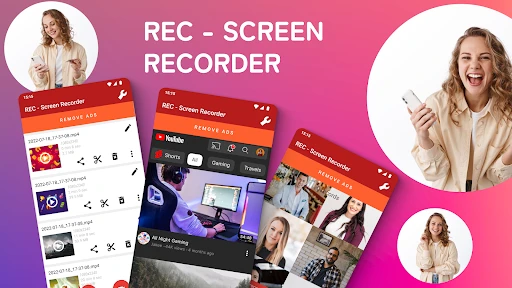
First things first, downloading and setting up REC is a total breeze. Just hop onto the Google Play Store, hit install, and you're pretty much ready to roll. The app's interface is super simple and won't overwhelm you with a million options, but it still has all the right features you'd want from a screen recorder.
Features That Make This App Shine
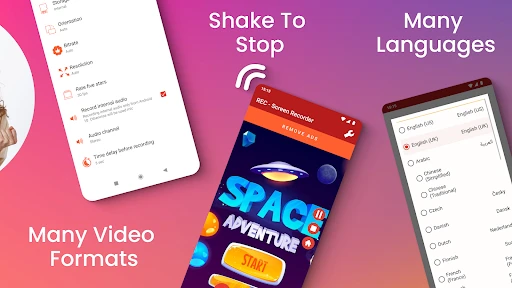
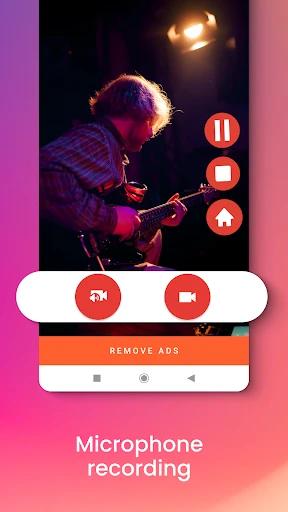
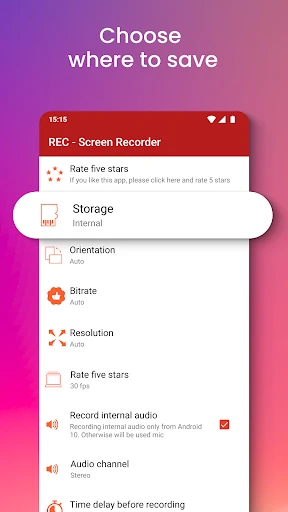
This is where REC really stands out. You can record your screen in high quality and play around with settings like resolution, frame rate, and bit rate to get it just right. Whether you're grabbing a quick clip or a longer tutorial, you can set it to record for up to an hour, which is plenty for most folks. Another awesome feature is being able to record audio along with your video. This is perfect for doing a voiceover for a guide or capturing those in-game sounds. Plus, the countdown timer gives you a few seconds to get ready before it starts recording. Believe me, that's a lifesaver when you're jumping between apps or getting your screen set up perfectly.
Easy-to-Use Controls at Your Fingertips
One thing I really love about REC is the floating widget. This lets you control the recording without having to go back into the main app, which is super handy during a game or a presentation. It's little touches like this that really make REC better than the rest.
Sharing Your Masterpiece is a Breeze
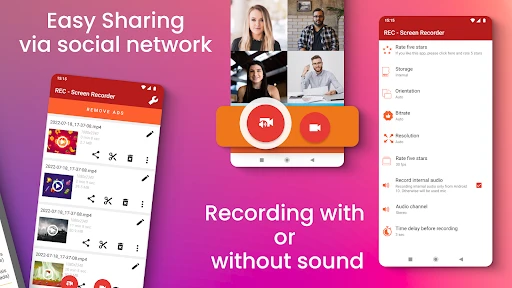
Once you've finished creating your recording, sharing it is as easy as pie. REC lets you share your video directly from the app. Whether you want to post it on social media, send it in a message, or just save it to your cloud storage, REC has you covered.
Wrapping It All Up
In a world full of screen recording apps, REC manages to offer a complete package that's still straightforward. It's great for everyone, from casual users who just want to save a quick video to pros making detailed tutorials. The app finds a sweet spot between being powerful and simple to use, making it a must-try if you need a screen recording tool. So, if you want to capture your screen without any hassle, give REC a shot. It has all the useful features you'll need without any of the complicated stuff. Happy recording
- Developer
- ZipoApps
- Version
- 4.6.9
- Installs
- 10,000,000+
- Android Version
- 5.0
- Content Rating
- Everyone
- Price
- Free
- High-quality video recording.
- User-friendly interface.
- No watermark on recordings.
- Supports multiple formats.
- Free to use.
- Contains ads.
- Limited editing features.
- Requires in-app purchases for premium.
- No live streaming option.
- May consume high battery.