Fotor - AI Photo Editor
Your Pocket-Sized Photo Studio: A Review of AI Photo Editor, Collage-Fotor
Your Pocket-Sized Photo Studio: A Review of AI Photo Editor, Collage-Fotor
Imagine having a personal photo editor right in your pocket, ready to transform your ordinary snaps into stunning visuals with just a few taps. That's exactly what AI Photo Editor, Collage-Fotor offers. As someone who loves capturing moments, I found this app to be a fantastic tool for enhancing my photos effortlessly.
The Power of Smart Edits
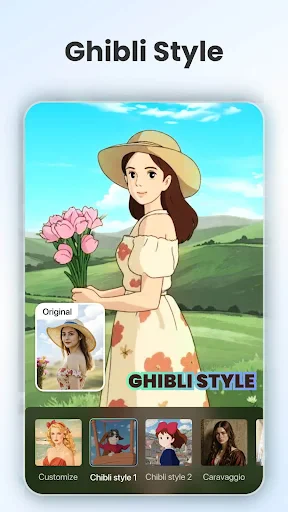
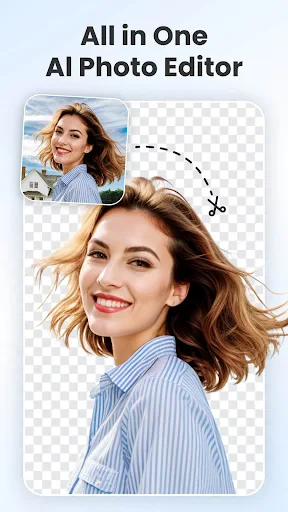
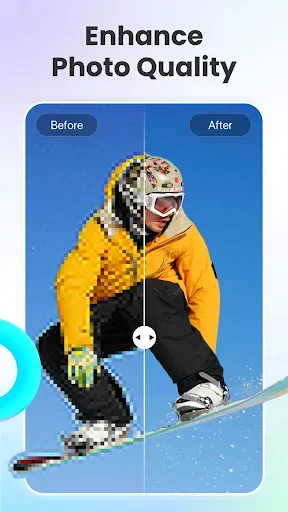
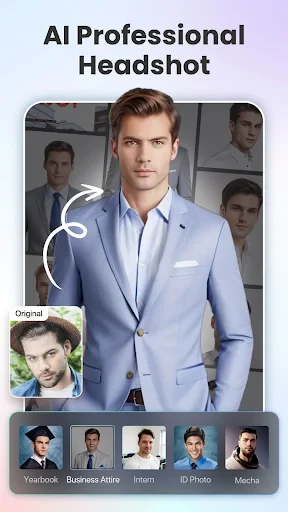
Let's dive straight into the most exciting feature of this app: AI-powered editing. Honestly, it's like having a professional editor at your fingertips. The AI intelligently detects the subject of your photos and suggests enhancements that make your images pop. I tested it with a variety of photos, from landscapes to portraits, and the results were consistently impressive. The app manages to brighten up dull photos while maintaining a natural look.
An Interface That Just Makes Sense
One of the things I appreciated most about Collage-Fotor is its user-friendly interface. Even if you're not tech-savvy, you'll find it easy to navigate. The tools are well-organized and clearly labeled, so you won't be left scratching your head wondering what to do next. The editing process is seamless, allowing you to apply filters, adjust lighting, and even remove unwanted objects with a simple swipe or tap.
Crafting Your Perfect Photo Grid
Another feature that stands out is the collage maker. If you're like me and love creating photo collages, you're in for a treat. The app offers a wide range of templates and customization options. You can mix and match your favorite photos, add text, and even incorporate fun stickers to give your collage a personal touch. It's perfect for creating social media posts or just compiling memories in a creative way.
Tools for the Detail-Obsessed
For those who prefer a bit more control, Collage-Fotor doesn't disappoint. The app includes advanced editing tools like curve adjustments, selective color tuning, and even a clone tool for those who want to get into the nitty-gritty of photo editing. I found these tools to be surprisingly powerful for a mobile application, rivaling some desktop software in terms of functionality.
Smooth Sailing and No Surprises
On the performance side, the app runs smoothly without any noticeable lag, even when working with high-resolution images. It's compatible with both Android and iOS, and I didn't encounter any crashes or bugs during my testing. This reliability makes it a dependable choice for anyone looking to edit photos on the go.
In conclusion, AI Photo Editor, Collage-Fotor is a versatile app that caters to both casual users and photo enthusiasts alike. Whether you're looking to make quick edits or dive deep into creative projects, this app has got you covered. It's like having a portable photo studio in your pocket, ready to transform your images into share-worthy masterpieces anytime, anywhere. If you haven't tried it yet, I highly recommend giving it a shot. You might just find it becoming your go-to photo editing app.

- Developer
- AI Art Photo Editor | Everimaging Ltd.
- Version
- 7.8.9.0
- Installs
- 10,000,000+
- Android Version
- 7.0
- Content Rating
- Everyone
- Price
- Free
- User-friendly interface for easy navigation.
- Wide range of editing tools available.
- High-quality output for edited photos.
- Supports various photo formats.
- Fast processing and exporting of images.
- Contains in-app purchases for premium tools.
- Occasional ads can interrupt workflow.
- Some features require internet access.
- Limited free templates for collages.
- No batch editing for multiple photos.