Mirror - Fullscreen Mirror App
Your New Pocket Mirror: A Look at the Fullscreen Mirror App
Your New Pocket Mirror: A Look at the Fullscreen Mirror App
Have you ever found yourself in a spot where you really needed a mirror but there wasn't one in sight? Maybe you're in a dimly lit restaurant bathroom, trying to fix your hair with terrible lighting. That's where the Mirror - Fullscreen Mirror App comes in. It's a simple but brilliant fix for all your reflection needs. As a person who's always busy, I tried this app out, and here's what I thought.
So, What Is This Mirror App Anyway?
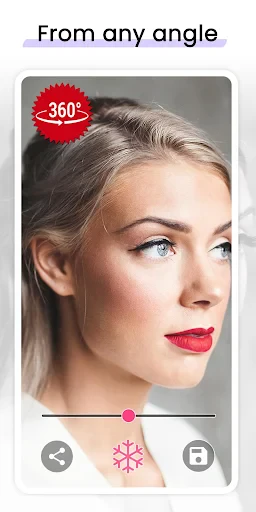
Basically, the Mirror app is just that—a mirror for your phone. But don't let the simple idea fool you. This app uses your phone's front camera to turn your screen into a high-quality, full-screen mirror. Think of it like a compact mirror you always have with you, but without the extra item in your bag and with some handy tech features.
A Closer Look at the Handy Tools
First, the fullscreen mode is a total winner. Other apps might fill the screen with buttons and ads, but this one gives you a clean, clear view. You can pinch to zoom in for a close-up on a single eyebrow hair or zoom out to see your whole outfit before a big meeting.
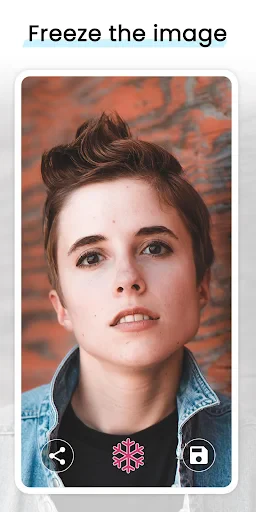
Another cool trick is the freeze frame. You can take a snapshot of your reflection, which is super helpful for checking your look without holding your phone still. This is perfect for putting on makeup or fixing your hair. You can even save these pictures if you're trying different styles and want to see which one you like best later.
Getting the Light Just Right
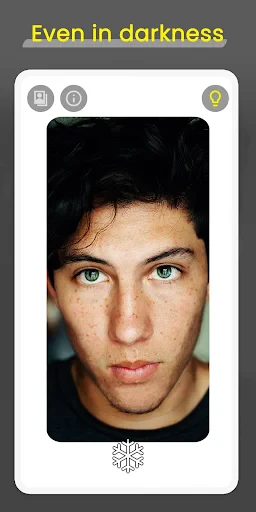
Good lighting is everything when you're looking in a mirror, and it seems the people who made this app get that. It has different lighting settings so you can see yourself clearly no matter where you are. If you're in a dark room or outside in bright sun, the app changes to give you the best view possible.
It's Really Easy to Use
Now, let's talk about how you use it. The design is very straightforward, so even if you're not great with technology, you won't have any trouble. The controls are simple, using basic finger movements to zoom and take pictures. It also doesn't take up much space on your phone. I was also happy to see that it doesn't constantly show you ads, even if you're using it for free.
Reasons This App Is a Keeper
If you often need to check your reflection quickly, this app will save you. It's great for people who travel a lot, busy workers, or anyone who likes things to be easy. Having a mirror available whenever and wherever you are is a convenience I didn't know I was missing until I tried it.
All in all, the Mirror - Fullscreen Mirror App is a great little tool that's both simple and useful. It's more than just an app; it's a helpful part of your everyday life. Whether you're fixing your lipstick or just making sure you don't have food in your teeth, this app is there for you.
So, the next time you're searching for something to see your reflection in, just remember that the best mirror might already be in your pocket.


- Developer
- Studio 360 Apps
- Version
- 1.4.0
- Installs
- 1,000,000+
- Android Version
- 6.0
- Content Rating
- Everyone
- Price
- Free
- High resolution display.
- No ads for distraction-free usage.
- User-friendly interface.
- Quick load time.
- Works offline.
- Limited features without premium.
- No zoom functionality.
- Occasional app crashes.
- Not compatible with all devices.
- No video recording option.