Volume Booster - Sound Booster
Have you ever found yourself in a situation where your phone's volume just doesn't cut it? Maybe you're trying to enjoy your favorite tunes at a party, or you're struggling to hear a call in a noisy environment. Enter Volume Booster - Sound Booster, an app that promises to crank up the volume on your Android device to the max. But does it really deliver the goods? Let's dive in and find out.
Have you ever found yourself in a situation where your phone's volume just doesn't cut it? Maybe you're trying to enjoy your favorite tunes at a party, or you're struggling to hear a call in a noisy environment. Enter Volume Booster - Sound Booster, an app that promises to crank up the volume on your Android device to the max. But does it really deliver the goods? Let's dive in and find out.
Unlocking Your Phone's Audio Potential
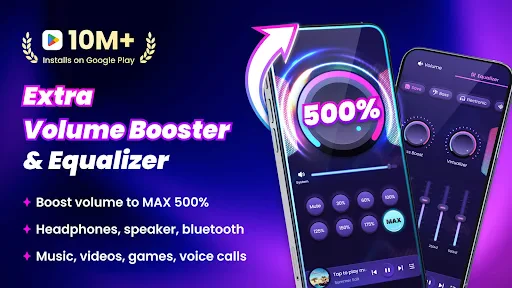
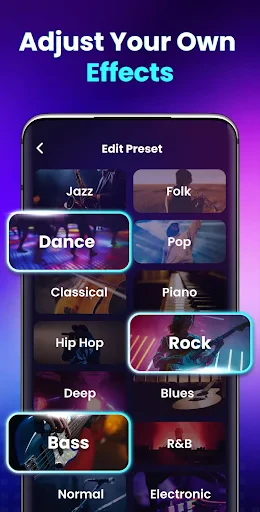
First, let's break down what this app is all about. Volume Booster - Sound Booster is built to push your device's sound output beyond its normal limits. It's not only about turning up the loudness; it also works on improving the general sound quality, so everything from your favorite podcasts to important phone calls comes through with more clarity and life.
A Quick and Simple Setup
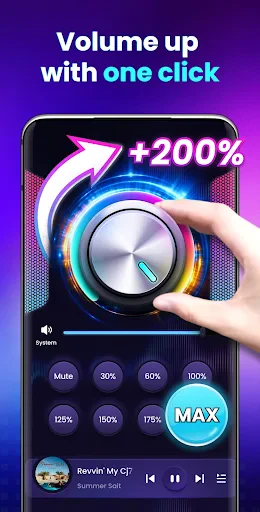
Getting the app up and running is super easy. After you download and install it, you'll see a clean and simple interface. There are no complex settings or confusing options to figure out. You just get a basic slider to increase your volume. Push that slider up, and just like that, your device is louder than it's ever been. But a word of warning – having this power means you need to be smart about it. Turning the volume up too high can potentially harm your phone's speakers or, more importantly, your own hearing!
How Well It Works and What It Offers
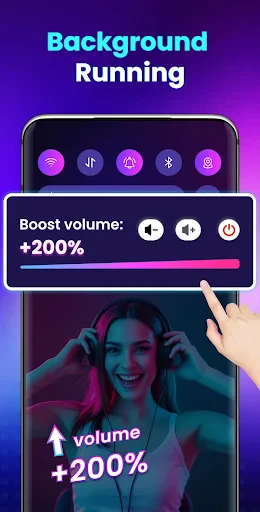
So, the big question is: how does the app hold up in real use? From my testing, the volume increase is both obvious and works as intended. Whether you're watching a film, listening to music, or using the speaker during a call, the sound gets a significant boost. It feels like you're carrying a tiny personal audio system with you.
Another great thing about this app is its wide compatibility. It functions with music apps, video players, and online streaming platforms. So, no matter if you're listening to playlists on Spotify or catching up on a new Netflix show, the Volume Booster - Sound Booster is ready to help.
Using the App Responsibly
That said, it's really important to be careful. The app itself includes a warning about the possibility of hearing damage or damaging your speakers if you overdo it. It's always best to raise the volume in small steps and avoid maxing out your device's capabilities.
Wrapping Up
In summary, Volume Booster - Sound Booster lives up to its promise. It successfully makes your device louder and improves the sound quality, making it a very useful tool for anyone who feels their phone isn't loud enough. Just be sure to use it with care and look after your hearing.
Give it a try and let me know what you think. Is it a game-changer or just another app in the crowded world of volume boosters? I'm curious to hear your thoughts

- Developer
- 360 Tool
- Version
- 2.4.0.52
- Installs
- 10,000,000+
- Android Version
- 6.0
- Content Rating
- Everyone
- Price
- Free
- Easy to use interface.
- Significantly boosts sound levels.
- Compatible with most devices.
- Enhances audio clarity.
- No root required for features.
- May distort sound at high levels.
- Contains ads within the app.
- Limited features in free version.
- Can drain battery quickly.
- Might not work on all apps.