
PDF Scanner app - TapScanner
Your Phone, Your Scanner: My Experience with TapScanner
Your Phone, Your Scanner: My Experience with TapScanner
Ever found yourself in a situation where you needed to scan a document on the fly, but didn’t have access to a scanner? Yeah, me too. That's where PDF Scanner app - TapScanner swoops in to save the day. This nifty little app turns your smartphone into a pocket-sized scanner, making those bulky machines seem like a relic of the past. Let me walk you through my experience with TapScanner and why it might just be the app you never knew you needed.
Transforming Your Phone into a Scanner
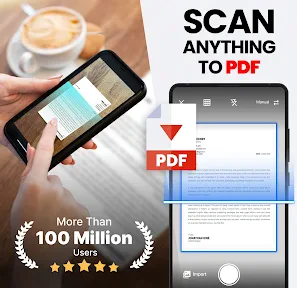
As soon as I downloaded TapScanner, I was intrigued by its promise to transform my phone into a scanner. The app’s interface is super user-friendly, which is always a plus in my book. I didn’t have to spend ages figuring out how to use it — a few taps and I was scanning away. It's as simple as pointing your camera at the document, snapping a picture, and voilà! The app automatically detects the edges and enhances the image quality for a clear and professional-looking scan.
Noteworthy Features
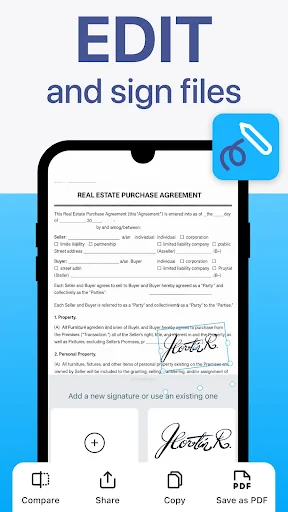
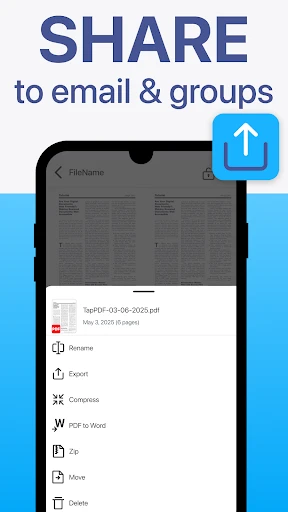
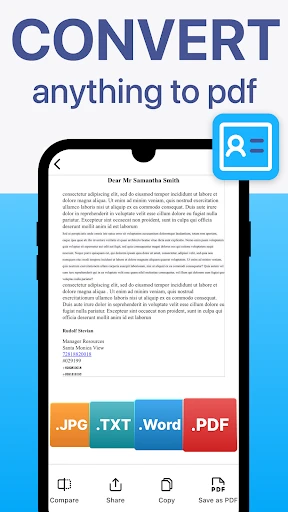
One of the standout features of TapScanner is its ability to save documents in PDF format, which is perfect for business or personal use. But wait, there's more! The app also offers OCR (Optical Character Recognition) technology, allowing you to convert images into text. This means you can edit the document text directly from your phone — a lifesaver for those last-minute changes. Plus, with cloud integration, you can easily save and access your documents from platforms like Google Drive or Dropbox. Talk about convenience!
How Well It Works
Performance-wise, TapScanner is a beast. I’ve tested it with a variety of documents, from receipts to multi-page contracts, and it handles them all with ease. The app processes scans quickly, and the quality is consistently impressive. Even in low-light conditions, the scans come out clear thanks to its automatic enhancement features.
Usability is another area where TapScanner excels. The app is intuitive and straightforward, making it accessible for everyone, regardless of tech-savviness. Whether you’re a student needing to scan notes or a professional handling documents, this app caters to all.
Keeping Your Stuff Safe
In today's digital age, security is paramount, and TapScanner gets it. The app assures users that their data remains private, a feature that I found reassuring. With the rise of data breaches, knowing that your documents are safe and sound while being stored or shared is a huge relief.
Wrapping It Up
TapScanner isn’t just another app cluttering your smartphone; it’s a tool that streamlines your document management process. It's easy to use, packed with handy features, and performs exceptionally well. Whether you're a busy professional, a student, or someone who just likes to keep things organized, this app is worth checking out. So next time you need to scan a document, ditch the bulky scanners and give TapScanner a try. You might just become the most efficient version of yourself
- Developer
- Tap AI
- Version
- 3.0.71
- Installs
- 100,000,000+
- Android Version
- 9
- Content Rating
- Everyone
- Price
- Free
- Easy-to-use interface for quick scanning.
- High-quality scans with adjustable settings.
- Supports various file formats for export.
- Integrated OCR for text recognition.
- Cloud storage integration for easy access.
- Ads in the free version can be intrusive.
- Requires subscription for advanced features.
- Occasional app crashes reported by users.
- Limited editing options in free version.
- Some features require stable internet connection.