

Link to Windows
Connecting Your Android Phone to Windows: A Seamless Experience
Connecting Your Android Phone to Windows: A Seamless Experience
If you've ever wanted a simpler way to link your Android phone and your Windows computer, you're in for a treat. The Link to Windows app closes that gap, creating a smooth experience that makes switching between your devices super easy. Let's look at what makes this app a must-have for Android and Windows users.
Getting Started is a Breeze
First things first, getting Link to Windows up and running is really simple. You just need a compatible Android phone and a PC running Windows 10 or newer. Head to the Google Play Store to download the app, log in with your Microsoft account, and that's it. The app walks you through the setup with clear, step-by-step directions, making the whole thing surprisingly painless.
Handy Features You'll Appreciate
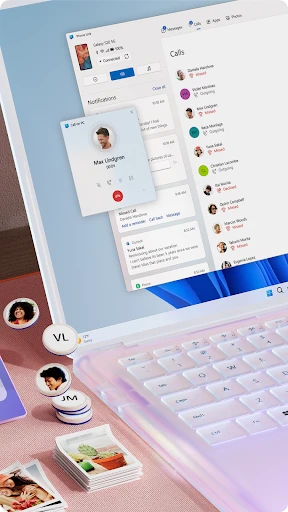
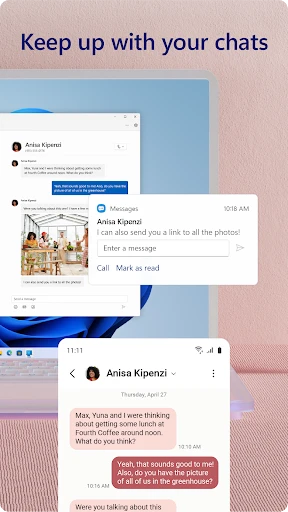
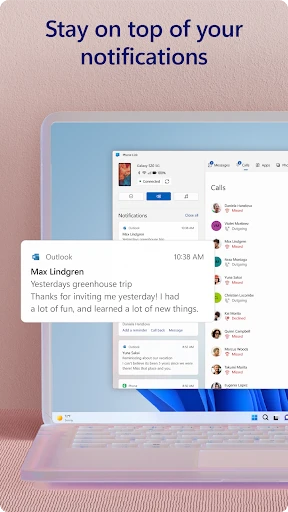
After you're connected, you'll discover a bunch of features built to boost your productivity. The app allows you to see your phone's notifications, text messages, and recent photos right on your computer. This means you can reply to texts, check out new pictures, and even run some of your favorite phone apps without ever touching your phone. Pretty neat, right?
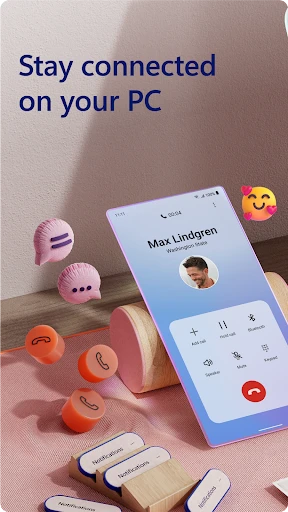
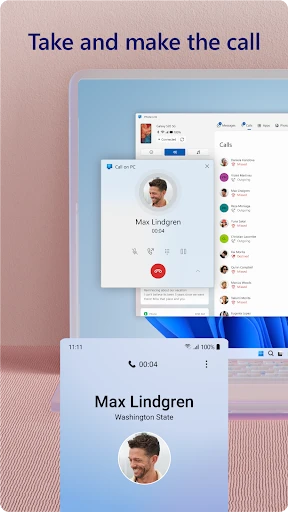
One feature that's a real winner is being able to take and make phone calls directly from your PC. It's super handy, particularly when you're focused on work and don't want to stop to find your phone. On top of that, the call quality is reliably good, so no issues there.
How Well It Works and Feels
In terms of performance, Link to Windows operates smoothly without any obvious delays. The link between your phone and computer is strong and stable, which is super important for an app like this. The layout is clean and easy to understand, so moving between different functions feels natural and not confusing. Whether you're a tech pro or just getting started, you'll figure this app out in no time.
A Few Areas That Could Be Better
Even though Link to Windows is great, there's always a little space to grow. For instance, having more customization choices would let users adjust the experience to fit their personal preferences better. Also, while it works with a lot of Android phones, it would be nice if it supported even more older models.
Wrapping It All Up
All in all, Link to Windows is an excellent tool for anyone wanting to better connect their Android phone with their Windows PC. It's easy to use, works efficiently, and is a genuine time-saver. Whether you're answering messages, handling alerts, or just looking through your photos, this app makes doing multiple things at once much simpler. If you haven't tested it out, I'd definitely suggest trying it. You might just ask yourself how you managed before!
- Developer
- Microsoft Corporation
- Version
- 1.25041.133.0
- Installs
- 1,000,000,000+
- Android Version
- 8.0
- Content Rating
- Everyone
- Price
- Free
- Seamless integration with Windows PCs
- Allows message and call syncing
- Easy file transfer between devices
- Supports multiple Android apps
- Improves productivity with multitasking
- Limited iOS compatibility
- Requires stable internet connection
- Can drain battery quickly
- Occasional connectivity issues
- Needs Windows 10 or higher


