AI Art Generator: Photo, Draw
AI Art Generator: Photo, Draw
AI Art Generator: Photo, Draw
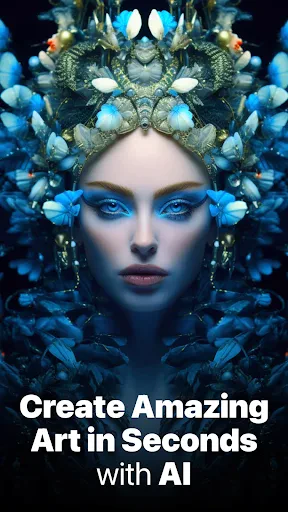
Have you ever wanted to make amazing art but felt you couldn't because drawing and painting are tricky? Let me tell you about an app that might be the perfect solution – AI Art Generator: Photo, Draw. I've been trying it out, and it's seriously like having a tiny art genius right on your phone!
Unleashing Your Inner Artist with AI
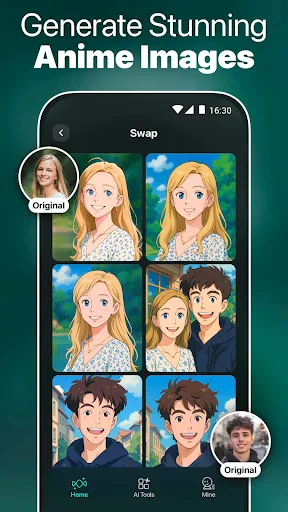
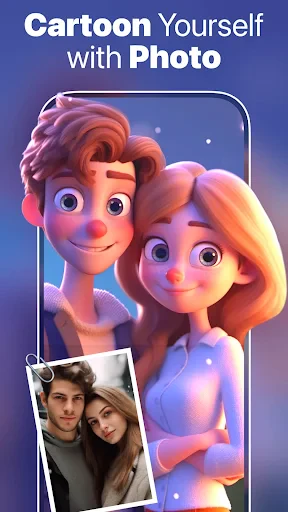
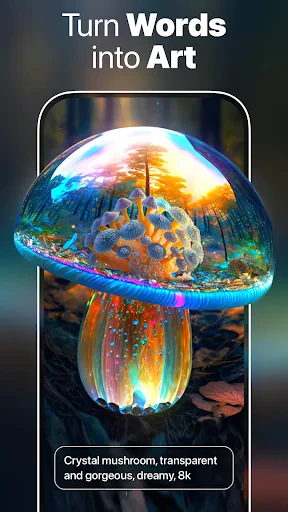
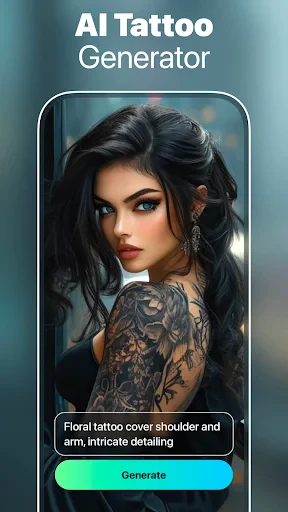
This app is designed to take your regular photos and turn them into something special with just a couple of taps. It doesn't matter if you're a professional artist or someone who can only draw simple stick people; this app makes it super simple to get creative. It uses smart AI to change your pictures into art that can look like a classic painting or something more modern. It's really cool to see a normal photo of yourself change into a piece that looks like it should be in a museum.
How the Magic Happens
Starting with the AI Art Generator is really easy. You just pick a photo from your phone's library or take a new picture right then. The app then shows you a bunch of different art styles to pick from. Do you want your photo to look like a Van Gogh painting, or maybe something more current? There's a style for every occasion. What I really like is how simple it is to use – even if you're not great with technology, you won't have any problems figuring it out.
Cool Features You'll Love
One of the best things about this app is the huge number of artistic filters you can use. Each one gives your photo a different and unique look, and you can even change how strong the effect is. Another great feature is the live preview, which lets you see what your final art will look like before you save it. It's like being able to test out a new look before you finally decide!
For people who enjoy sharing their creations, the app lets you post your art directly to your social media accounts. You can also save your finished pieces in high quality, which is ideal if you want to get them printed and put them up as decorations.
Is This App For You?
The AI Art Generator is ideal for anyone who likes to play around with photos and art. Whether you're a pro searching for new ideas or just someone wanting to have fun with your pictures, this app has something to offer. It's also a fantastic tool for people who love social media and want to make their posts look more artistic.
That said, if you need an app with lots of detailed tools for making small adjustments to your artwork, you might feel the options here are a bit basic. This app is more about the big transformation, not the tiny tweaks.
Wrapping It Up
With so many apps available, AI Art Generator: Photo, Draw really shines as a tool for creativity. It's more than just an application; it's an entry point to a whole new world of making art. Whether you're an art expert or just like to have fun with your photos, you should definitely give this app a shot. Go on, let your creative side out and see where your imagination takes you
- Developer
- Smart AI DEV
- Version
- 1.4.2
- Installs
- 5,000,000+
- Android Version
- 5.0
- Content Rating
- Everyone
- Price
- Free
- User-friendly interface for beginners.
- Supports multiple art styles.
- Fast processing time.
- High-quality image outputs.
- Various customization options.
- Limited free features.
- Requires internet connection.
- Occasional bugs and crashes.
- Subscription model can be pricey.
- Limited customer support.