Pydroid repository plugin
Unlocking Python on Your Phone: A Look at the Pydroid Repository Plugin
Unlocking Python on Your Phone: A Look at the Pydroid Repository Plugin
Have you ever found yourself in a situation where you desperately need to run Python on your Android device but don't want to lug around a laptop? Enter Pydroid Repository Plugin, a nifty tool that has become a lifesaver for Python enthusiasts everywhere. In this review, I’ll dive into the ins and outs of this app, sharing my personal experience and thoughts.
Getting the Pydroid Plugin Up and Running
First things first, let's talk about installation. The Pydroid Repository Plugin is actually an add-on for the Pydroid 3 app, which is already an amazing IDE for Python on Android. You’ll need to have Pydroid 3 installed before you can make use of this plugin. Once you've got that sorted, adding the plugin is as simple as heading to the Google Play Store and hitting install. Easy peasy!
A Closer Look at Its Capabilities
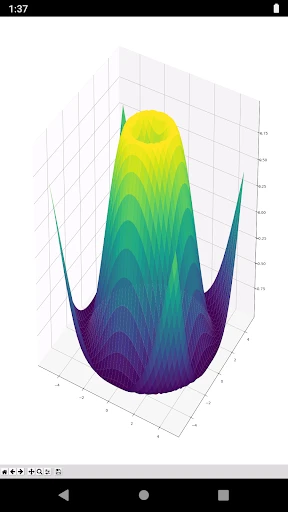
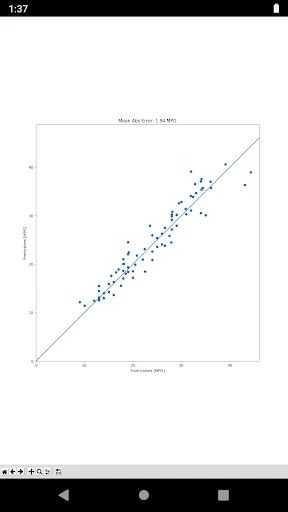
What makes this plugin stand out is its array of features that enhance your coding experience on mobile. It offers access to a whole suite of Python libraries that are otherwise not available on the Pydroid 3 app alone. This means you can work with libraries like NumPy, SciPy, and even Pandas right from your phone. For someone who often needs to test scripts on the go, this is a game-changer.
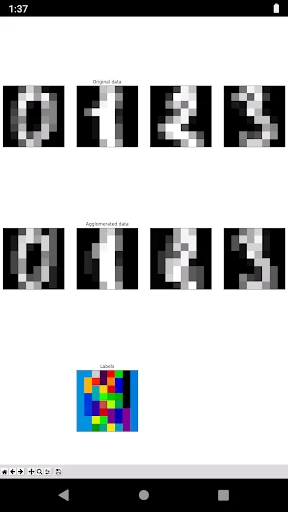
The plugin also supports OpenCV for computer vision projects, which is something I found incredibly useful. Imagine working on image processing tasks while commuting – talk about multitasking! Also, the ability to install packages directly from PyPI with pip is a massive plus. It's like having a mini computer in your pocket.
What It's Actually Like to Use
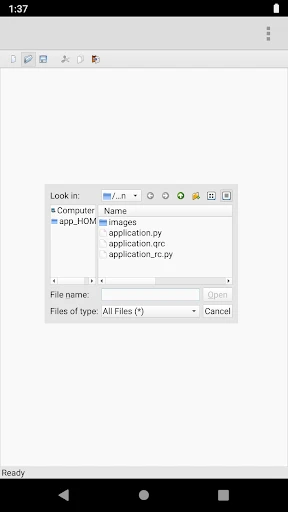
Now, let’s talk about the user experience. Installing and using the libraries through the plugin is pretty straightforward, but I did notice that some larger libraries take a bit longer to install. This is something to keep in mind if you're working under time constraints. However, once everything is set up, the performance is quite smooth. The UI of Pydroid 3, coupled with this plugin, is intuitive and user-friendly, making coding on a small screen surprisingly comfortable.
One thing I really appreciated was the community support. There are quite a few online forums and user groups where you can get help if you run into any snags. Plus, the developers are quite responsive to feedback, which is always a good sign.
The Bottom Line
So, is the Pydroid Repository Plugin worth it? In my opinion, absolutely. It turns your Android device into a versatile coding platform, extending the capabilities of Pydroid 3 significantly. Whether you’re a student, a professional developer, or just a hobbyist, this plugin offers a level of flexibility and convenience that’s hard to beat. Just remember, it’s an enhancement to Pydroid 3, not a standalone app, so make sure you have both for the best experience.
In conclusion, if you’re someone who loves coding on the go, or if you just want the peace of mind of having Python libraries at your fingertips, the Pydroid Repository Plugin is definitely worth checking out. Happy coding!

- Developer
- Lider Soft KZ
- Version
- 4.00
- Installs
- 1,000,000+
- Android Version
- Varies With Device
- Content Rating
- Everyone
- Price
- Free
- Enhances code execution capabilities
- Seamless integration with Pydroid IDE
- Supports various Python libraries
- Improves coding efficiency
- User-friendly interface
- Limited support for heavy libraries
- Frequent updates needed
- Occasional compatibility issues
- Not free
- requires purchase