Microsoft Excel: Spreadsheets
Mastering Your Data on the Go: A Look at Excel for Mobile
Mastering Your Data on the Go: A Look at Excel for Mobile
Getting Started: Easier Than You Think!
Alright, let's chat about the setup process. I get it, Excel can seem intimidating if you aren't a pro, but getting the mobile app up and running is surprisingly simple. Just head to your app store, tap download, and you're good to go. The app is pretty light on space, so it won't eat up all your phone's storage, which is always a nice bonus.
A Closer Look at the Layout and Ease of Use
My first thought? The layout is clean and easy to understand. Who doesn't appreciate a workspace that's free of clutter? All the familiar tools and menus are there, but they're neatly organized and out of the way until you need them. This keeps your screen from becoming a jumbled mess, especially on a smaller display. It's like having the full power of Excel, but shrunk down to fit in your pocket.
One feature I really liked is how well it works with touch controls. Navigating spreadsheets by swiping, pinching, and tapping feels completely natural, and I didn't find myself wishing for a mouse. The app also handles different file types with ease, so whether you're opening a standard .xlsx or a .csv file, it's no problem at all. Now that's what I call flexible!
Noteworthy Tools and Functions
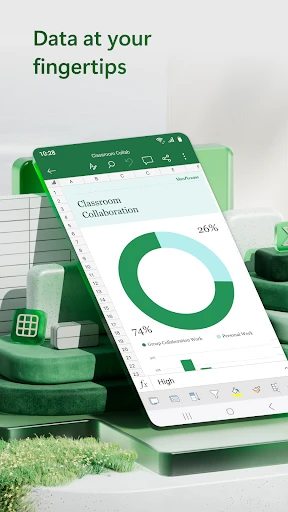
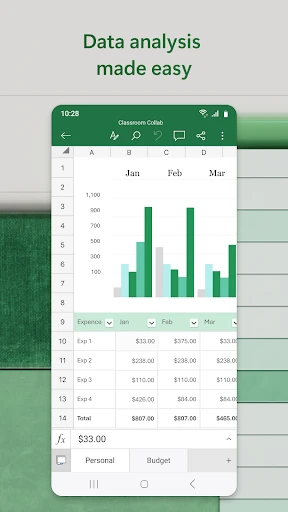
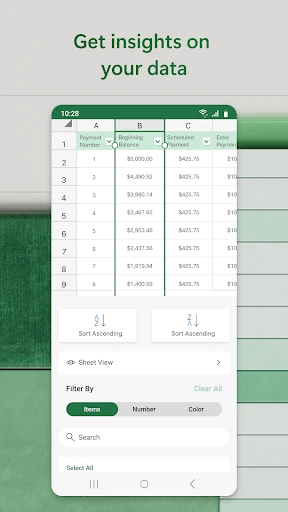
Now, let's get into the features. The mobile version of Excel is packed with all the important stuff. We're talking about formulas, charts, tables, and yes, even pivot tables! Imagine that, pivot tables right on your phone. Pretty amazing, right? The app also lets you collaborate in real-time, which is ideal for group work or when you need to quickly work on data with your team.
Another handy feature is the collection of templates. Whether you're managing a budget, organizing a project, or keeping tabs on your health goals, there's a pre-made template for you. These templates are a real time-saver for those moments when you don't have the energy to start a spreadsheet from zero.
How It Handles and Holds Up
In terms of performance, the app runs pretty smoothly most of the time. I didn't experience any serious slowdown, even when working with bigger files. It's dependable, which is super important when you're showing data to others or making big decisions based on your spreadsheets. Of course, as with any app, it's a smart habit to save your work often, just in case your phone suddenly freezes up.
Final Verdict: Should You Download It?
So, is the Microsoft Excel mobile app worth downloading? Without a doubt, especially if you regularly use spreadsheets. It's powerful, easy to use, and works seamlessly with the desktop version. Whether you're handling your money, sorting through information, or working with teammates, Excel has you covered. Give it a try and see how it can improve the way you manage your data!


- Developer
- Microsoft Corporation
- Version
- Varies With Device
- Installs
- 1,000,000,000+
- Android Version
- Varies With Device
- Content Rating
- Everyone
- Price
- Free
- Seamless integration with Microsoft 365.
- Extensive formula and functions library.
- Real-time collaboration feature.
- User-friendly interface for beginners.
- Supports large datasets efficiently.
- Steep learning curve for advanced features.
- Some features require a Microsoft account.
- Mobile version lacks some desktop features.
- Can be resource-intensive on older devices.
- Subscription required for full features.